
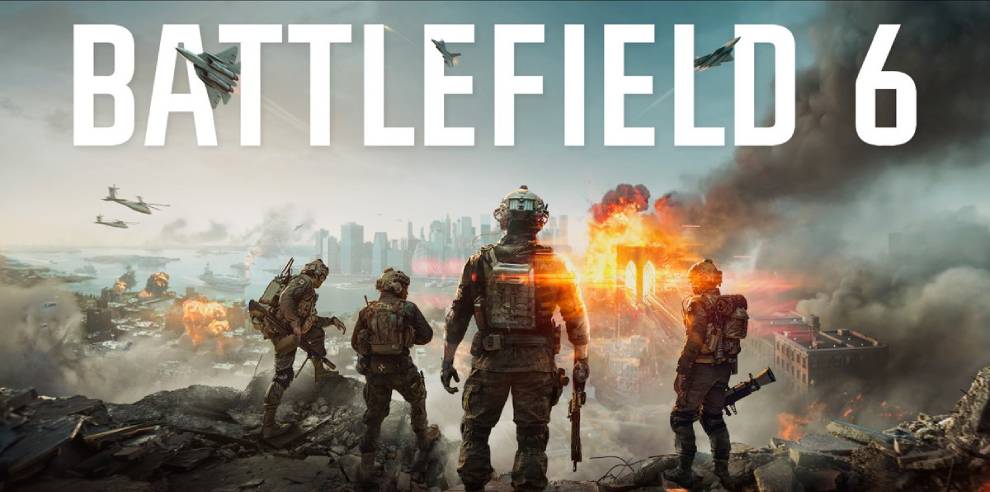
The Battlefield 6 server browser is coming earlier than originally planned. Originally slated for Phase 3 of Season 5, it will now begin a staged rollout shortly after Season 5 Phase 2 launches on November 10. Here is what players can expect, where to find it, and how it will affect servers, matchmaking and progression.
Server Browser Release Date Moved Up
Battlefield Studios has pulled the Server Browser forward from Phase 3 of Season 5. Rather than waiting for a later phase, the rollout will start shortly after Phase 2 goes live on November 10. No exact date has been given for either stage, as the timing depends on how testing goes. For more on the season, see our look at the Battlefield 6 Season 5 roadmap, including the Server Browser and Platoons.
Two-Stage Rollout Plan
The developers say stability ahead of the holidays is their main priority, so the feature will roll out in two steps:
- Limited Public Scale Test: A limited group of players will get access in the live game. This lets the team stress-test server loads, watch queue performance and check matchmaking backfill with real squads.
- Full Global Launch: Once live performance is verified and any needed fixes are deployed, the Server Browser will roll out to all players worldwide.
The aim is to move through both stages over a couple of weeks, but that schedule remains dependent on test results and any fixes that turn up along the way.
Where to Find the Server Browser
The Server Browser sits in the Quickplay row. Selecting it opens straight to the new Official tab, which lists active servers right away. Additional Server Browser tiles will also appear across other menus, including Portal.
Official, Verified and Custom Server Tabs
Servers are organized into three main browser tabs:
- Official: Lists both Battlefield Studios servers and player-hosted servers using official templates. These get full matchmaking integration and full XP and Mastery progression. Player-hosted servers receive matchmaking only when running active rotation modes.
- Verified: Community experiences built on verified presets with custom Portal rulesets. These support player and bot fill, direct browser joins and full XP progression.
- Custom: Highly modified community sandboxes and custom logic scripts. These allow direct browser joins and community invites, with partial XP progression.
Existing Portal tools, rule modifiers and admin controls in the Verified and Custom tabs remain unchanged.
How Server Filling and Matchmaking Backfill Work
Official player-hosted servers run on dedicated servers, so the host does not need to remain in the match to keep it online. Empty servers stay visible in the browser, but matchmaking cannot see them, so at least one player must join before backfill can begin. A server stays listed for up to seven consecutive days without players, and the timer resets whenever someone joins.
Backfill depends on the mode. Active menu modes such as Conquest or Breakthrough, along with featured modes on Quickplay or Multiplayer, receive automated backfill once a player is inside. Off-menu modes can be hosted at any time, but they rely on players finding them in the browser. If a mode later returns to the main menus, backfill resumes automatically without re-hosting.
What Players Should Know About Joining Servers
How you join determines your experience from round to round:
- Server Browser: You stay on the same persistent server through its map rotation for as many rounds as you like, as long as it remains healthy.
- Quickplay or Multiplayer: You connect to the same official pool. On 24/7 or repeating map-and-mode servers, you are re-queued at the end of the round so you are not stuck in a single-map loop.
- Custom Search: If the next map does not match your chosen criteria, matchmaking routes you to a server that fits your filters.
Developers say they will track server health and gather feedback, with a full guide and more precise rollout timing to follow. Updates will be posted on Steam Discussions and the BattlefieldComm X account, issues can be reported through the EA forums, and the Battlefield Discord is the place for squads, events and Q&As.
Source: Battlefield Team community update on Steam (original link not available).